01
Make room for ERA.
Sign in, check your license, and download the Windows app.
Meet ERA. Your voice, your ideas, and a team of AI agents.
Working together, right on your desktop.
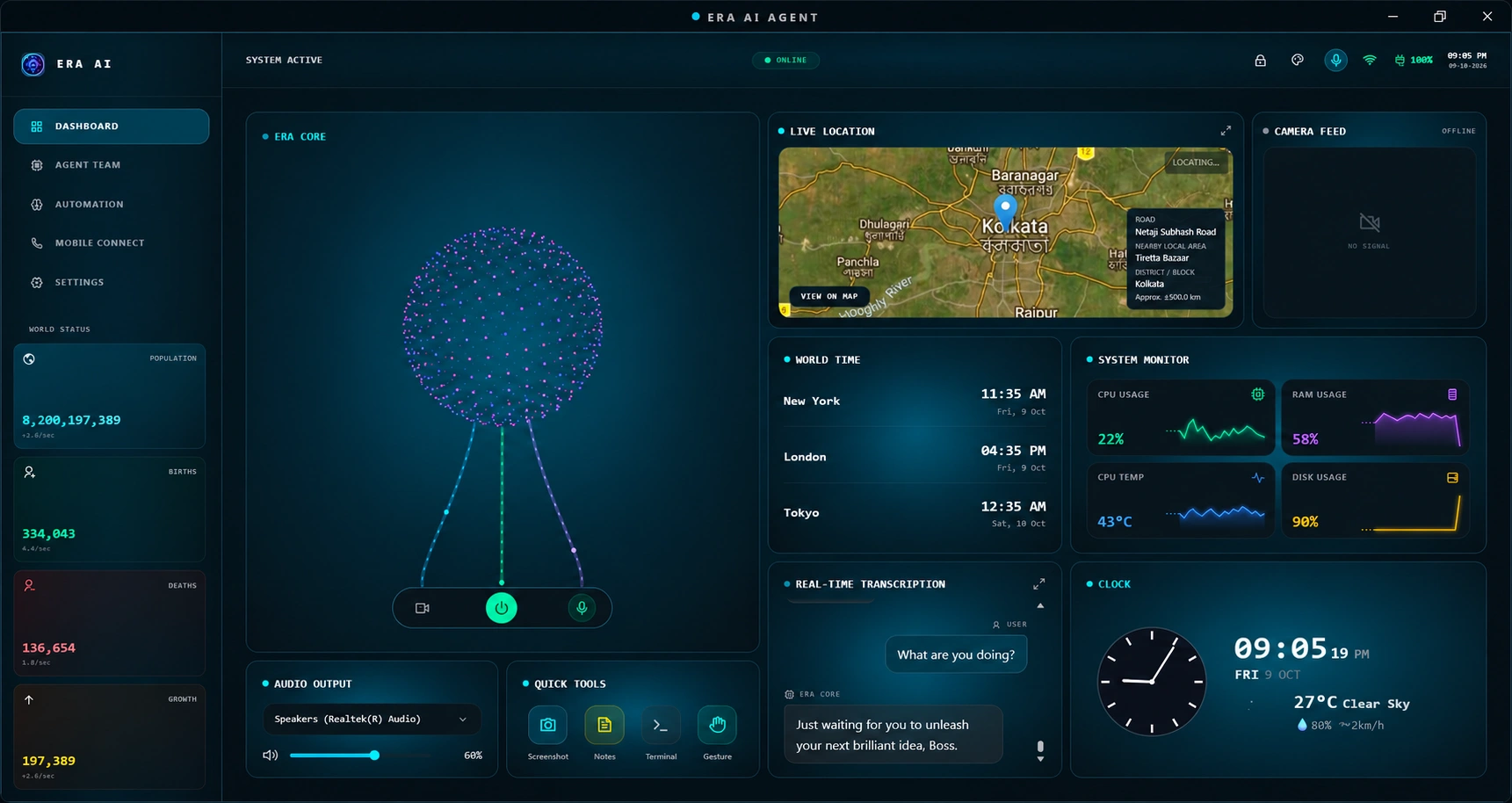
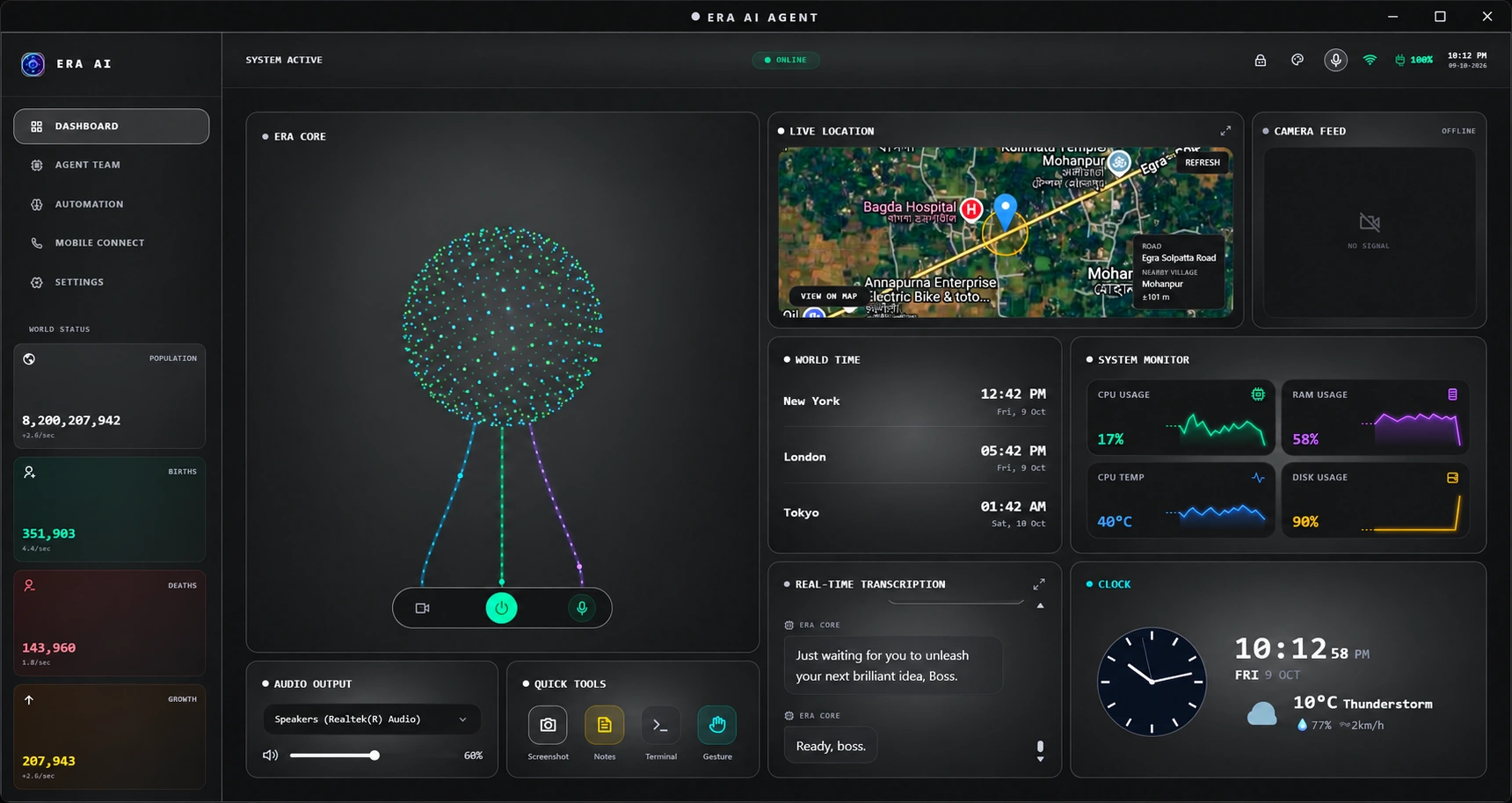
From the first thought to the finishing touch.
ERA helps you move your work forward.
Talk naturally, share your screen, or start a live video call with ERA. Read on-screen text and identify objects through your camera.
Talk naturally with ERA and hear spoken responses.
Explore an icon · 6 features
Eight specialists, each with a different focus. Explore coding, research, security, files, travel, shopping, careers, and the browser.
Coding, debugging, projects, and software engineering.
Explore an icon · 8 specialists
From antivirus to creative work, connected services, and device controls. Every feature has a place in your desktop workspace.
Run supported threat scans and inspect Windows security status.
Explore an icon · 56 features
Sign in, check your license, and download the Windows app.
Connect your AI providers and choose the tools you want to use.
Speak naturally or ask an agent. Let your next task become a conversation.
Local tools, configurable providers, and permissions for the features you use.
A Windows 10 or 11 computer, an ERA account, and the API keys required by the AI providers you choose. Sign in to view your license and download options.
Desktop tools operate locally. Voice and AI features may connect to the provider you configure, while sign-in, licensing, and updates use the ERA backend. Some features need additional services or permissions.
ERA supports configurable AI providers. Add the relevant API keys in the desktop settings; availability and usage limits depend on your selected provider.
Your account dashboard shows your license status. Sign in with your Google account to manage access and find the available Windows download.
Bring a little intelligence to the way you work.
Get ERA for Windows Windows 10 & 11 · Sign in to view license options